


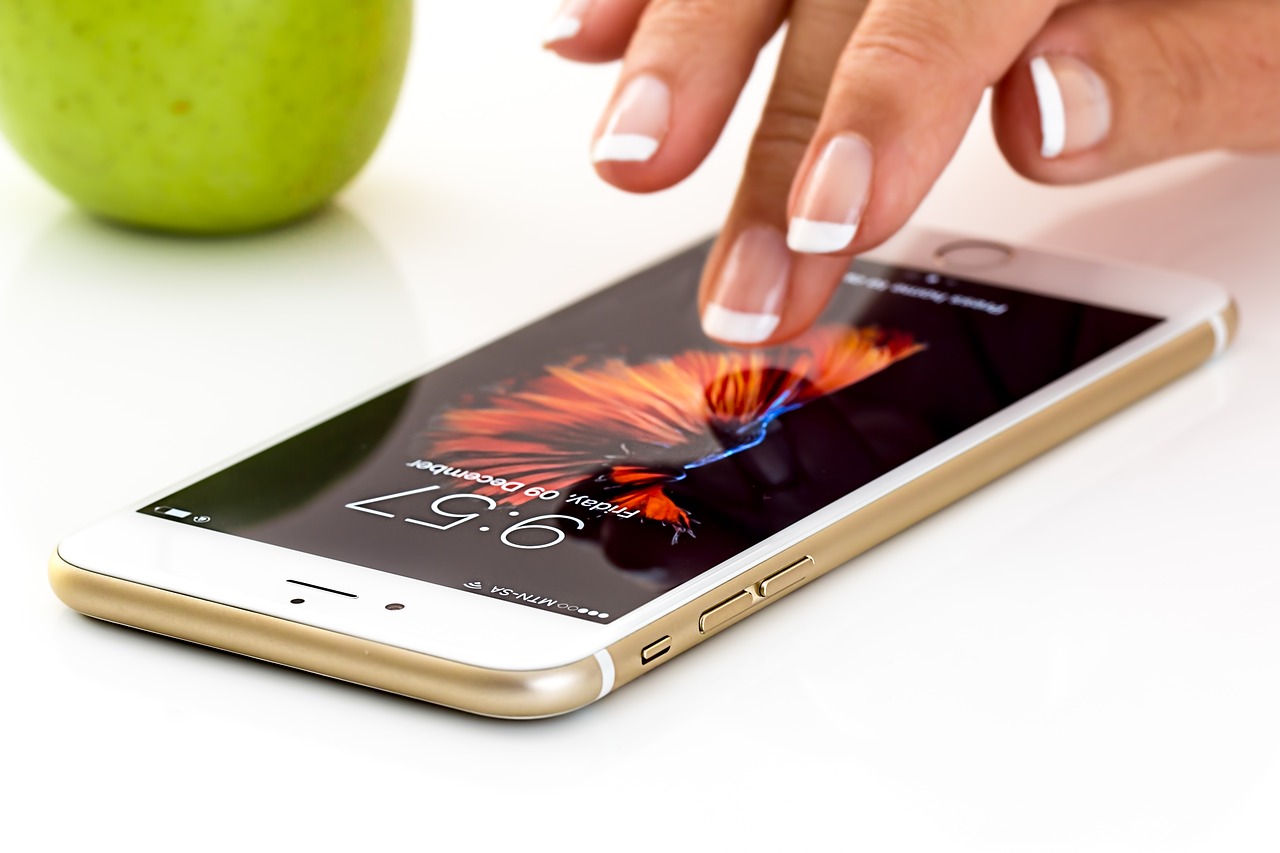
If you consider yourself a technology geek, you’ll be interested in learning to check your data usage.
You have the possibility to check your data plan usage in different ways, depending on your mobile operating system: Android or iOS. Let’s take a look to do it, step by step.
Also, between built-in tools and apps from Apple Store and Google Play, you have several options for monitoring your data usage. However, many users choose to check the general settings instead of installing an app, when the smartphone is low on space or simply for their convenience.
How to monitor data usage
Android
Android has around 75–80 percent of the worldwide smartphone market making it the world’s most popular mobile operating system. Checking your data usage through android phone is very easy.
- Navigate to the Android settings menu.
- Choose “Data Usage.”
You can use data charts to visualize the results more clarly. For it you can select the dates next to “Data usage cycle” and “Change cycle”.
You will not only check the data usage, but you will also obtain very interesting information about those apps that use the most data.
For example, if you have set data plan for 2 Gb then you can set the alert for a lower value than 2Gb say 1,8Gb or so. By default, you will be notified on 90% completion of the specified data limit.
iOs
Your iPhone also offers a built-in tool to track your data usage similar to Android, to help you maximize your data plans.
- Go to “Settings” option
- Select “Mobile Data”
- Look for a section called “Cellular Data”